Guided chord flow
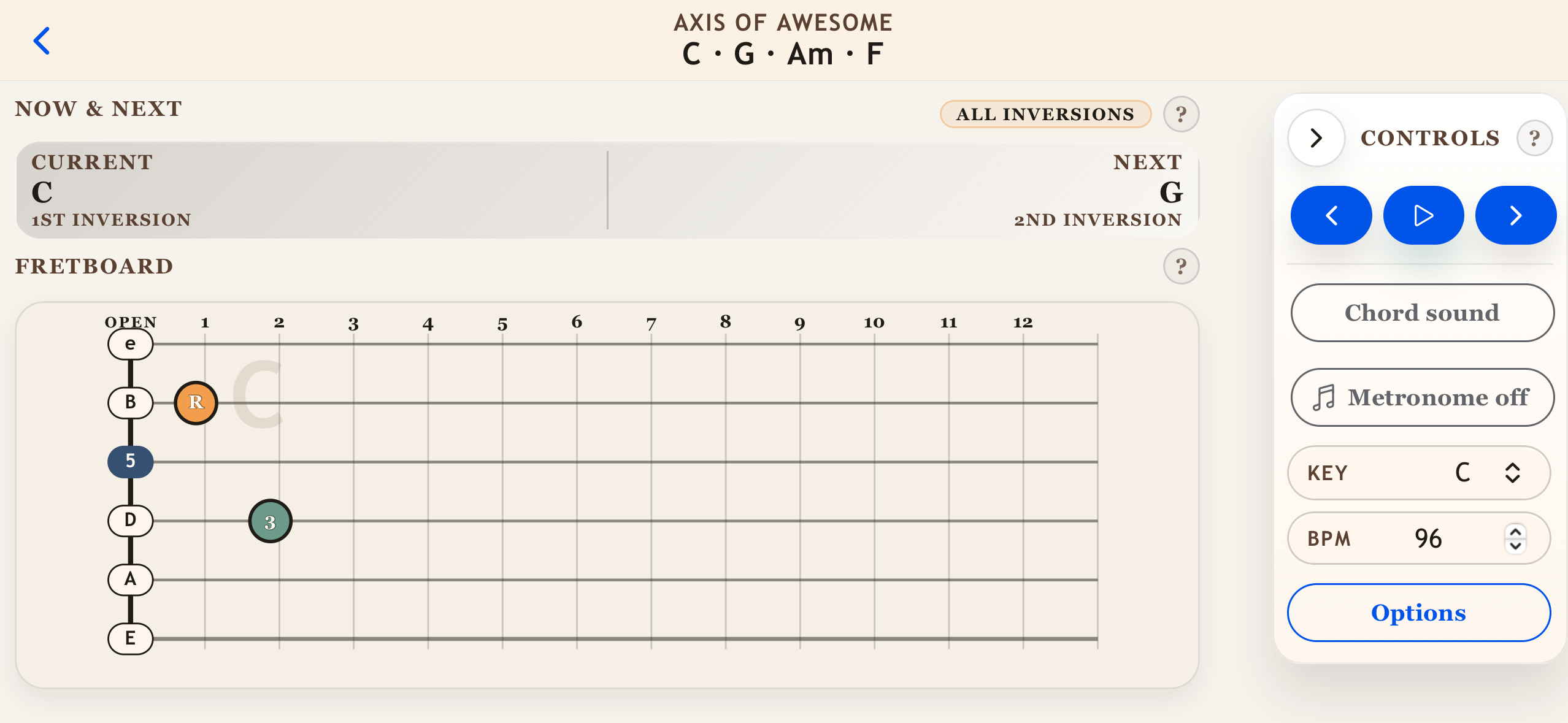
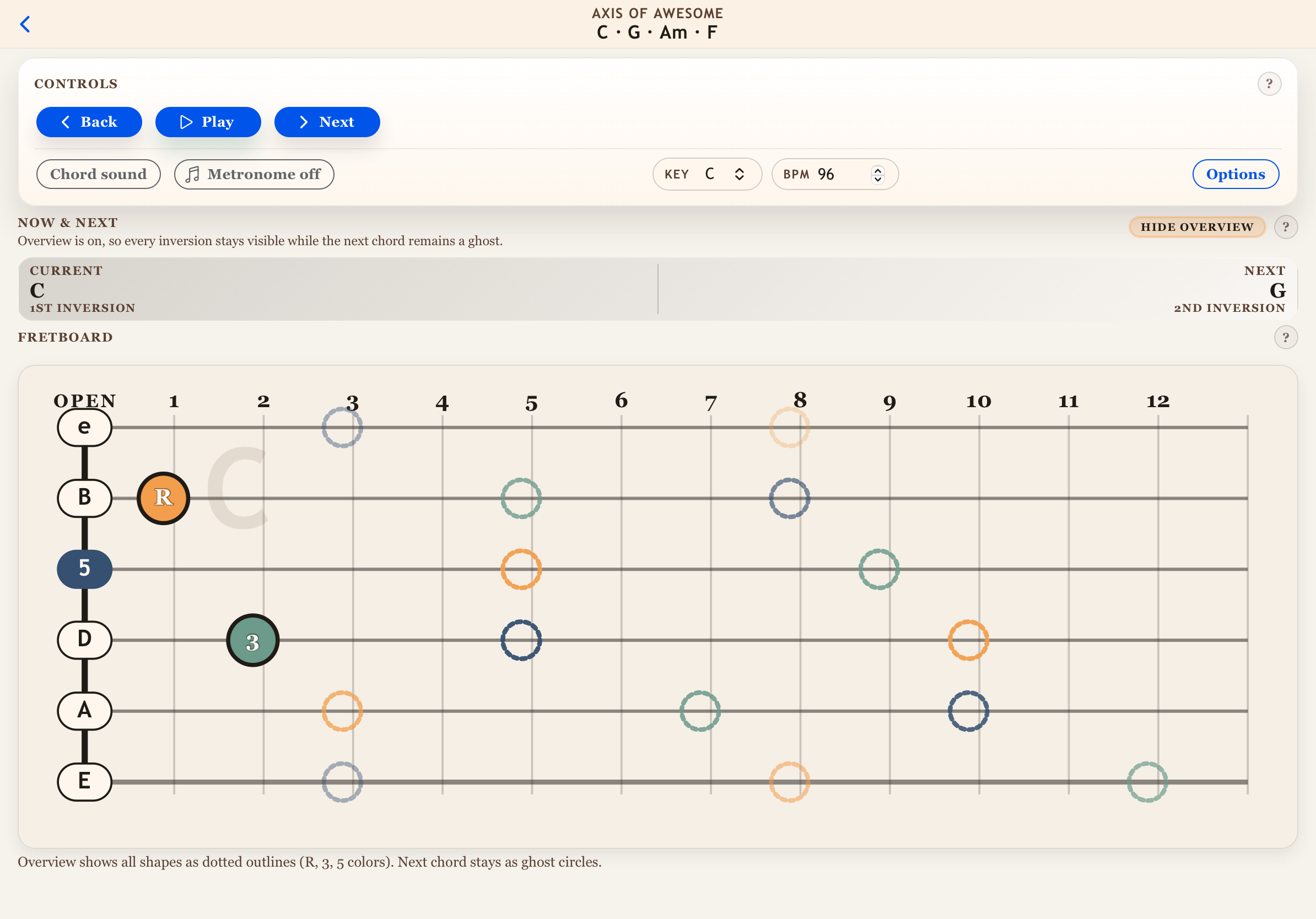
See the current chord, the next chord, and inversion labels at a glance. Auto-play with BPM timing or step manually.
Fretboard fluency in motion
Triad Trainer guides short practice loops with the current chord, the next chord, and the inversion you need to land. Filter the fretboard, lock in the tempo, and make every transition feel inevitable.
Features
Designed for real practice sessions: visual fretboards, flexible filters, and just enough automation to keep you moving.
See the current chord, the next chord, and inversion labels at a glance. Auto-play with BPM timing or step manually.
Toggle strings, restrict frets, skip open strings, and preview background notes so the shapes stay focused.
Type a progression in plain text, set BPM, bars per chord, and loop behavior. Save sessions for instant starts.
Transpose to match another player using a capo while keeping the same shapes under your fingers.
Optional commands for next, back, play, pause, and stop so you can keep your hands on the guitar.
Sessions and settings stay on your device. No accounts, no syncing, no friction.
How it works
Pick a key, focus the fretboard, and repeat until the neck feels obvious.
Choose a key, set BPM, and decide if you want auto-play or manual control.
Follow the fretboard map for R, 3, and 5 as the app advances the sequence.
Keep looping until the move feels effortless, then widen the fret window.
Session builder
Triad Trainer accepts flexible chord entry (spaces, commas, dashes). Set bars per chord and loop length, then save it for tomorrow's warm up.
Get the app
Triad Trainer is in active development. Drop in your App Store link or beta invite when you're ready to share it.